
Voice and digital context
Handle customer conversations with the interaction context needed for the next step.
Agent workspace
Bring customer interactions, shared contacts, availability, and follow-up context into an operating experience built around the work agents do.
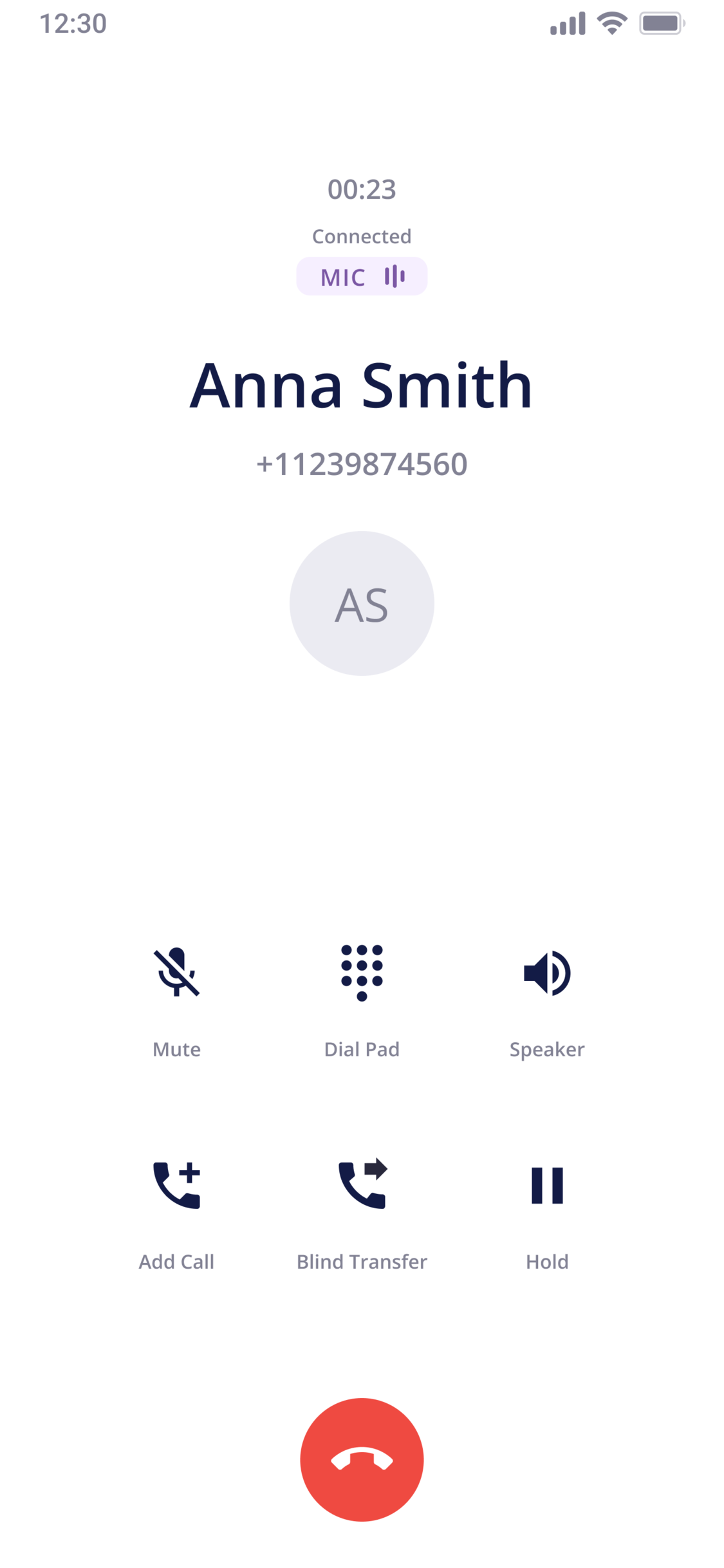
Workspace evidence
Evaluate the workspace around the context an agent needs while the interaction is active and the work that must remain visible afterward.
Channels
Agent work
Management review
Agent readiness Browser, native desktop, or native mobile work surfaces
Wrap-up Transcription, summary, suggested actions, and recommended disposition
Human review Assisted output remains reviewable before decisions and action
Keep the customer, conversation, and next action visible in one operating flow.
Agent work
The workspace should help agents understand the interaction, find the right context, and move the work forward.
Handle customer conversations with the interaction context needed for the next step.
Use an organization-wide contact source so agents can find people and continue the work without switching between separate lists.
Support registered devices so agents can work from the setup appropriate to their role.
Keep actions and customer context visible after the initial conversation ends.
Flexible work surfaces
CCPro supports browser-based work plus native Windows, macOS, iOS, iPadOS, and Android experiences. Keep interaction history and follow-up context available as work moves between supported devices.
Evaluation path
Follow a customer need from arrival through resolution and the work that happens afterward.
See how the interaction arrives with queue and customer context.
Review the tools and information available while the customer is engaged.
Find contacts, transfer ownership, or continue the work through another channel.
Confirm that the next action remains visible after the conversation.
Bring the customer journey, device setup, and follow-up pattern your team wants to improve.
Common questions
Learn more about the CCPro agent workspace, including customer context, voice and digital interactions, interaction history, follow-up workflows, multi-device access, and AI-assisted agent tools.
A contact center agent workspace is the unified operating environment agents use to manage customer interactions and administrative follow-up. An effective workspace integrates key operational tools into a single interface:
This unified design enables agents to resolve inquiries and execute next steps without switching between separate applications.
The CCPro Agent Experience brings voice and digital customer interactions into one workspace. Agents can manage voice, email, chat, and SMS while accessing customer profiles, interaction history, availability, notes, dispositions, follow-up context, and next actions.
CCPro keeps customer context connected to the interaction through shared customer profiles and interaction history. Agents can use this information alongside the active conversation, notes, dispositions, and follow-up details to understand previous interactions and move customer work forward.
CCPro keeps follow-up actions and customer context visible after the initial conversation ends. Agents can use scheduled follow-up, queue or agent ownership, outcomes, notes, and dispositions to keep next actions visible and connected to the original customer interaction.
CCPro supports browser-based, desktop, and mobile agent experiences. Agents can work through a browser without an installation, use applications for Windows and macOS, or use mobile applications for iOS, iPadOS, and Android.
CCPro uses practical AI to assist agents with work during and after customer interactions while keeping people responsible for decisions and actions. AI-assisted capabilities include transcription, interaction summaries, and Smart Wrap-Up, with assisted output available for human review before decisions or follow-up actions are taken.